
The weekly PPC review
A clear plan for your next ad dollar.
Connect your reports, product margins and campaign decisions in seven focused checks. Leave with a short list of actions and the evidence behind each one.

Before you begin
Start with one product group.
Choose one marketplace and two comparable reporting periods. Allow the full attribution window and reporting updates to settle. Keep recent delivery and stock checks separate from settled performance.
What to bring to the review
- Campaign and Search Term Reports for the periods you want to compare.
- Price, Amazon fees, landed cost and other relevant costs for the products being reviewed.
- Placement data if you plan to review placement bids.
- A fresh, complete Sponsored Products bulk export before checking exact keyword coverage or preparing changes. Include zero-impression items.
- Current stock, listing status, promotions and your previous change log.
Missing a report or margin? Record the gap and hold any decision that depends on it. You can still review the evidence you have.
Review each step and record your decision.
01Check the reports before the results.Decide: ready to analyze, or hold for better data.
A confident recommendation starts with comparable data. Confirm the marketplace, currency, date range and attribution window before drawing conclusions.
- Use matching purchase and sales windows. Separate duplicate rows, totals and overlapping exports.
- Check that each report contains the detail the decision needs. A Search Term Report does not contain campaign placement totals.
- Review stock, listing eligibility and recent promotions separately. A delivery problem needs a different response from weak conversion.
Amazon Report Preflight
A reusable skill for checking local exports before analysis. Install the complete skill in a compatible assistant, then supply the reports and account context.
Get the report-checking workflowUse your assistant for this step
After installing the skill, copy this request into your assistant with the files. Review that environment’s data settings before sharing reports.
Use amazon-report-preflight to validate these Amazon reports before analysis. Confirm marketplace, currency, date range, attribution windows, report grain and duplicate rows. Preserve the originals. Separate usable data from blocked inputs and list the missing context. Do not infer exact organic sales from differences between reports.
Record: the usable files, settled date ranges and anything still blocking a decision.
02Know what each product can afford.Decide: the break-even line and the margin you want to keep.
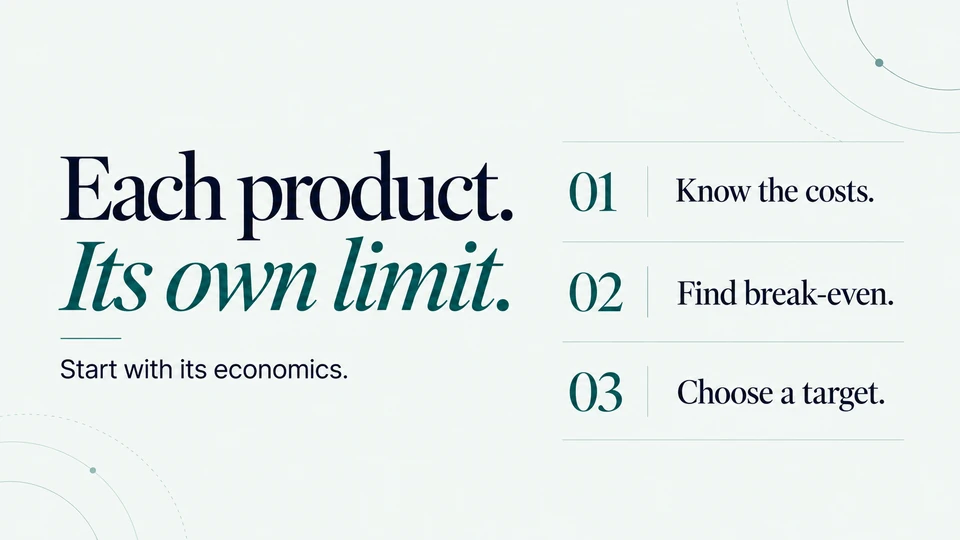
An account average can hide products with very different economics. Review comparable products together and make the cost assumptions explicit.
- Confirm selling price, fees, landed cost and other relevant costs. Recheck after a price change or promotion.
- Calculate profit before ads and break-even ACoS. Choose a target below break-even that reflects the contribution you want to retain.
- For search-term decisions, use contribution per attributed purchase. Adjust a one-unit estimate for multiple units or other products purchased.
Catalog Profit Check
Calculate product-level break-even ACoS, target ACoS and CPC limits. Optional current ACoS and ad sales put the difference into dollars.
Check product economicsA simple example: $12 contribution before ads on a $40 sale gives a 30% break-even ACoS. Keeping $4 after ads leaves $8 for advertising, or a 20% target ACoS. These are teaching numbers, not recommended targets.
Record: the cost assumptions, break-even ACoS and target for each product group. Missing costs remain an open question.
03Explain the ACoS change before changing bids.Decide: what to investigate first.
A higher ACoS can reflect more expensive clicks, fewer purchases per click, or less revenue per purchase. Each points to a different investigation.
- Compare the same product group over comparable, settled periods. Note promotions, price changes and shifts in traffic mix.
- Separate the arithmetic contribution of CPC, purchase rate and sales per purchase. Then check the underlying terms, placements and listing context.
- If Ads and Business Report sales differ, check their definitions and dates before treating the gap as a business result.
ACoS Change Explainer
Compare two reports or typed totals to see how the components changed. The breakdown describes the movement; it does not prove its cause.
Explain the changeReports disagree? Check the sales definitions ↗Record: the main numerical driver, your working explanation and the evidence still needed to test it.
04Give low-order search terms a fair test.Decide: investigate, keep testing, adjust a bid, or review a negative.
Start with spend that has produced few or no purchases. Treat it as a review queue. The right response depends on relevance, settled evidence and the product’s margin.
- Keep campaign, ad group and product context with every term. Separate search queries from product targets.
- Check relevance first. For relevant terms, compare clicks and purchases with the conversion rate needed to cover their click cost.
- Review exclusion scope and match type before adding a negative. Protect terms that need a strategic review; avoid a universal click cutoff.
Start with the report. Inspect the term.
Find the rows in Search Term Report Checker, then use When to Negate for a closer margin-based review.
Review the search termsCheck the evidence for one termA statistical flag is a reason to review. Repeated checks, multiple tests and changing conversion conditions affect how you interpret it.
Record: the term, product context, evidence, proposed action and reason. Keep unproven “savings” out of the result.
05Choose terms that deserve more control.Decide: test exact match, collect more evidence, or hold.
A first sale is a useful signal. An exact-match test still needs a relevant query, plausible economics and enough evidence to justify its budget.
- Review converting terms in their original campaign and ad group. Use a comparable campaign baseline and product contribution.
- Check the fresh bulk export for an existing exact keyword, its state and the products it advertises. Missing from one report does not prove missing from the account.
- Plan the destination, starting bid and test budget. Confirm the destination is eligible and delivering before adding negatives that route traffic away from discovery.
Harvest Readiness
Review conversion evidence and uncertainty before an exact-match test. Its model uses an uncalibrated baseline weight; read the assumptions with the result.
Review a harvest candidateRecord: the candidate, existing coverage, intended destination, test limits and what would justify the next change.
06Review bids, placements and budget together.Decide: where a controlled change is justified.
A budget increase should have a reason beyond yesterday’s sales. Check click value, campaign purpose and stock before funding more traffic.
- Use actual placement data. Compare attributed sales per click with the product’s target ACoS and note sparse samples.
- Review the base bid, placement adjustments and dynamic bidding strategy together. A placement percentage is only one part of the setting.
- Check budget constraints, inventory cover and listing readiness. Prioritize a bounded test where evidence and capacity support it; document strategic exceptions.
Placement Bid Calculator
Work through base bids and placement settings against estimated click value. Budget allocation remains your decision.
Review placement settingsRecord: the current setting, proposed setting, economic reason, spending limit and conditions for reviewing the test.
07Check the changes. Keep the reasoning.Decide: ready for review and upload, or blocked.
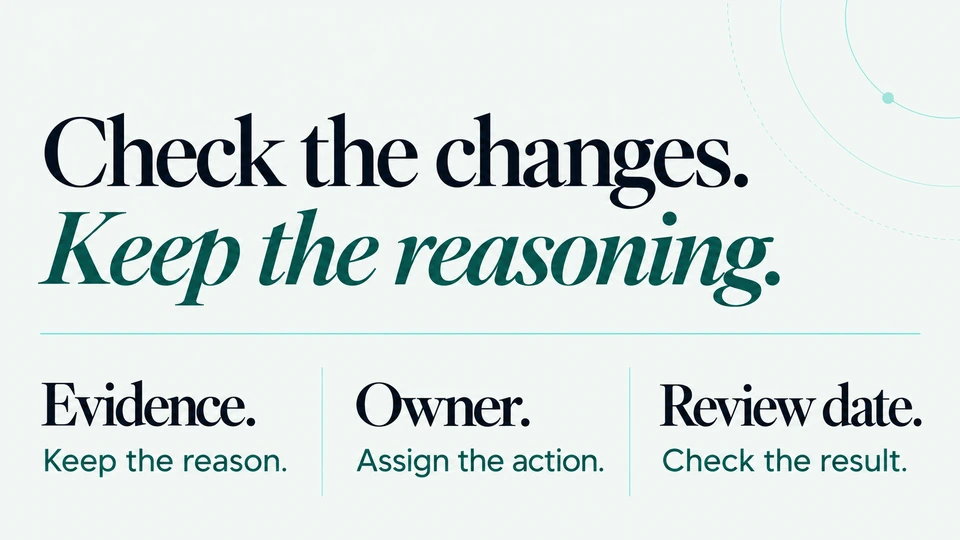
Turn the review into a short, controlled change list. Each action should have a reason, a limit and a way to check what happened.
- Compare proposed changes with a fresh, complete configuration export. Check IDs, parent entities, duplicates, negative conflicts, names and bid or budget limits.
- Review the checked file before uploading through Amazon. Then inspect processing results and a fresh read-back; a prepared file does not prove a change was applied.
- Confirm delivery before routing traffic. Set a review date that allows new performance to settle, and compare with the expectations in your change log.
PPC Bulk File QA
A local workflow for supported Sponsored Products keyword, negative, bid and daily-budget changes in the US, UK and Canada. Real client-export and Amazon upload acceptance validation remain pending.
Get the bulk-file checking workflowUse your assistant for this step
Install the complete skill first. Supply your proposed changes and fresh configuration export in your chosen assistant.
Use amazon-ppc-bulk-qa to validate these proposed Sponsored Products changes against this fresh, complete bulk export. Preserve names and IDs. Check parent relationships, duplicate exacts, negative conflicts and bid/budget limits. Default to no more than 25 new exacts per campaign unless I specify another cap. Prepare the checked upload and before/after list only if the batch passes. Hold routing negatives until destination read-back and delivery are confirmed. Do not make live account changes.
Record: the approved changes, held items, upload outcome, read-back, owner and next review date. Next week, begin here.
Weekly action plan
Use this template in your weekly meeting or change log. Fill it with findings from your tools and reports. A decision to hold or collect more evidence belongs in the plan too.
The checklist tracks which steps you reviewed, not whether your account passed a test.
Your weekly decision brief
WEEKLY PPC REVIEW
Marketplace / product group:
Reporting periods / attribution window:
Business goal / inventory constraints:

WHAT CHANGED
Finding / supporting report:
Economic context / assumptions:

WHAT WE WILL DO
Current setting → proposed setting:
Reason / evidence / test limit:
Owner / target date:

WHAT WE WILL HOLD
Open question / missing evidence:
What would change the decision:

NEXT REVIEW
Upload outcome / configuration read-back:
Delivery confirmed / routing negatives held:
Review date / expected signal:
What happened after last week’s changes:
Related lessons and tools
Find worked examples in the PPC Playbook or browse the calculators and report tools.
Sources, scope and data handling
This page receives no reports and makes no campaign changes. Checklist progress stays in this page’s memory. Copying a request does not send it to an assistant; the assistant and tools you choose follow their own data settings.
This is a review framework for Sponsored Products, not a complete account audit. The linked skills support US, UK and Canadian local exports within their documented scope. Report comparisons and profitability estimates depend on the inputs and assumptions you supply.
Platform references: Amazon’s Sponsored Products Search Term Report and Amazon’s targeting guide. Method-specific formulas and limits live on each linked tool.
Written by Radu Bobirnac · October 20, 2026.

Discuss your Amazon advertising.
A free 30-minute call about your advertising, goals and whether we should work together.